Top Fitment30% OFF
LuxtronicsSmall and light enough you can carry it easily anywhere.
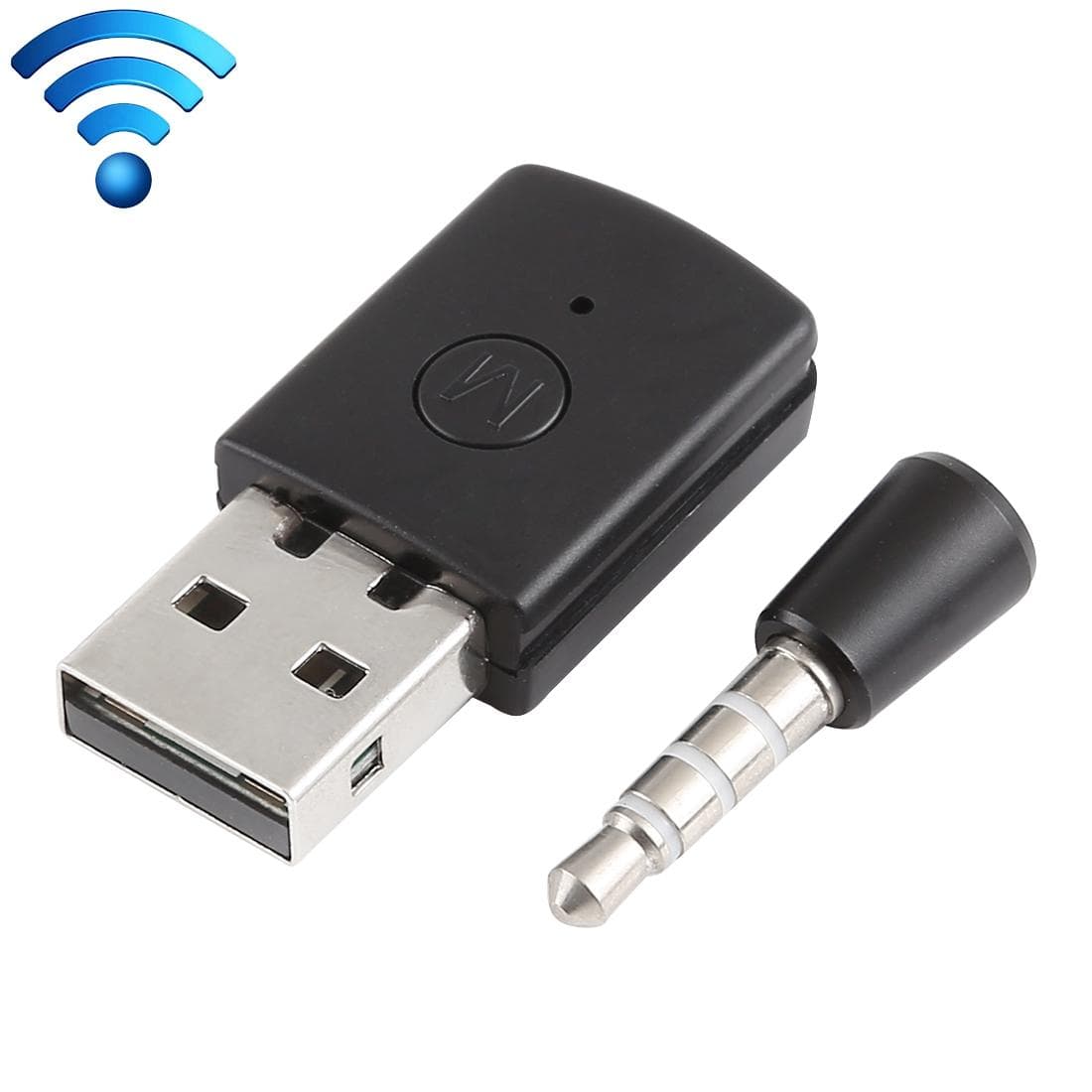
3.5mm & USB Bluetooth Adapter Dongle Receiver and Transmitters for Sony PlayStation PS4
4.8(94)
₹700₹1,001
Inc. GSTIn Stock
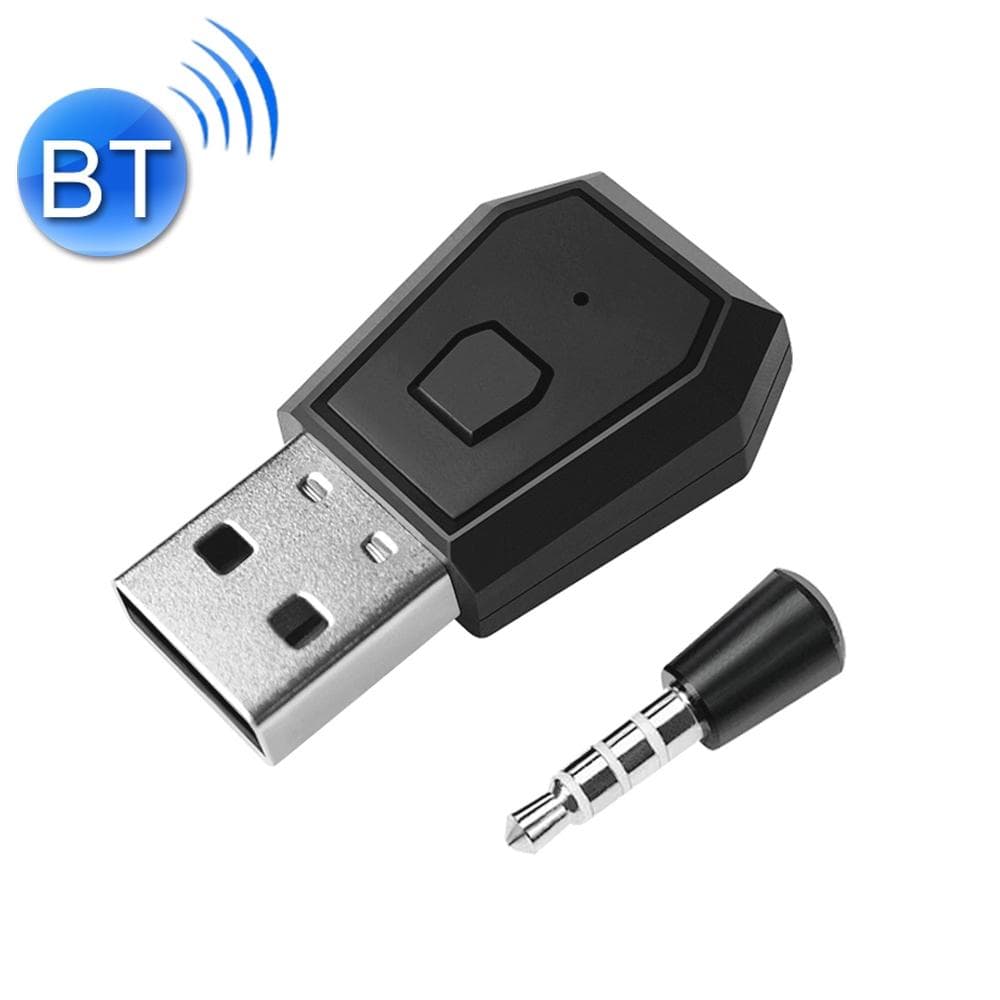
USB 4.0 Bluetooth Adapter Receiver and Transmitters for Sony PlayStation PS4
₹742
Luxtronics 3-in-1 Foldable Magnetic Wireless Charger
₹3,999
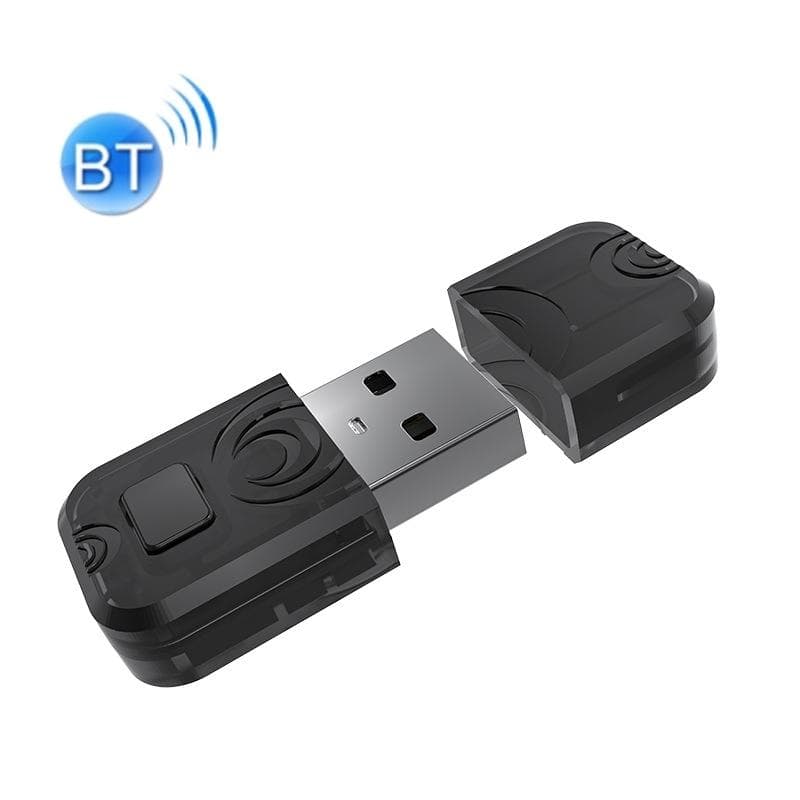
Small and light enough you can carry it easily anywhere.. It is easily connected via Bluetooth, easy pairing with cellphone.. This USB adapter will connect to any Bluetooth audio device when you plug into your PS4 USB slot. It comes with a wireless microphone that will enable you to chat when you plug into the PS4 controller.. Play and plug.. Usage method:. (1). Turn on the power of the PS4 and plug the Bluetooth adapter into one of the USB ports of the PS4. (2). For the first time, the adapter is plugged into the PS4 USB port, the blue light flashes slowly, long press the button for about 2 seconds, the blue light flashes quickly, enter the pairing state, then turn on the Bluetooth headset and enter the pairing state, waiting for the USB adapter The connection with the Bluetooth headset is completed. When the connection is successful, the blue light of the USB adapter becomes steady, indicating that the Bluetooth is connected. (3). Plug the microphone into the headphone jack of the PS4 handle. (4). Enter the PS4 settings interface. (5). Select to enter the Peripheral Machine menu. (6). Select sound device. (7). Set Input Device to USB Headset (USB Audio Device). (8). Set Output Device to USB Headset (USB Audio Device). (8). Adjust the microphone volume and test the microphone volume at the same time, press the OK key to complete the setting. (10). Adjust the headphone volume to a suitable size. (11). Set output to headphones for all sounds. (12). Now, you can use the Bluetooth headset to listen to the sounds in PS4 games and enjoy unfettered game fun..
Verified authentic specification & quality tested.
Verified authentic specification & quality tested.
Verified authentic specification & quality tested.
Verified authentic specification & quality tested.